Split PDF Online – Separate PDF Pages Easily | New PDF Tool
Split PDF Online – Separate PDF Pages Easily
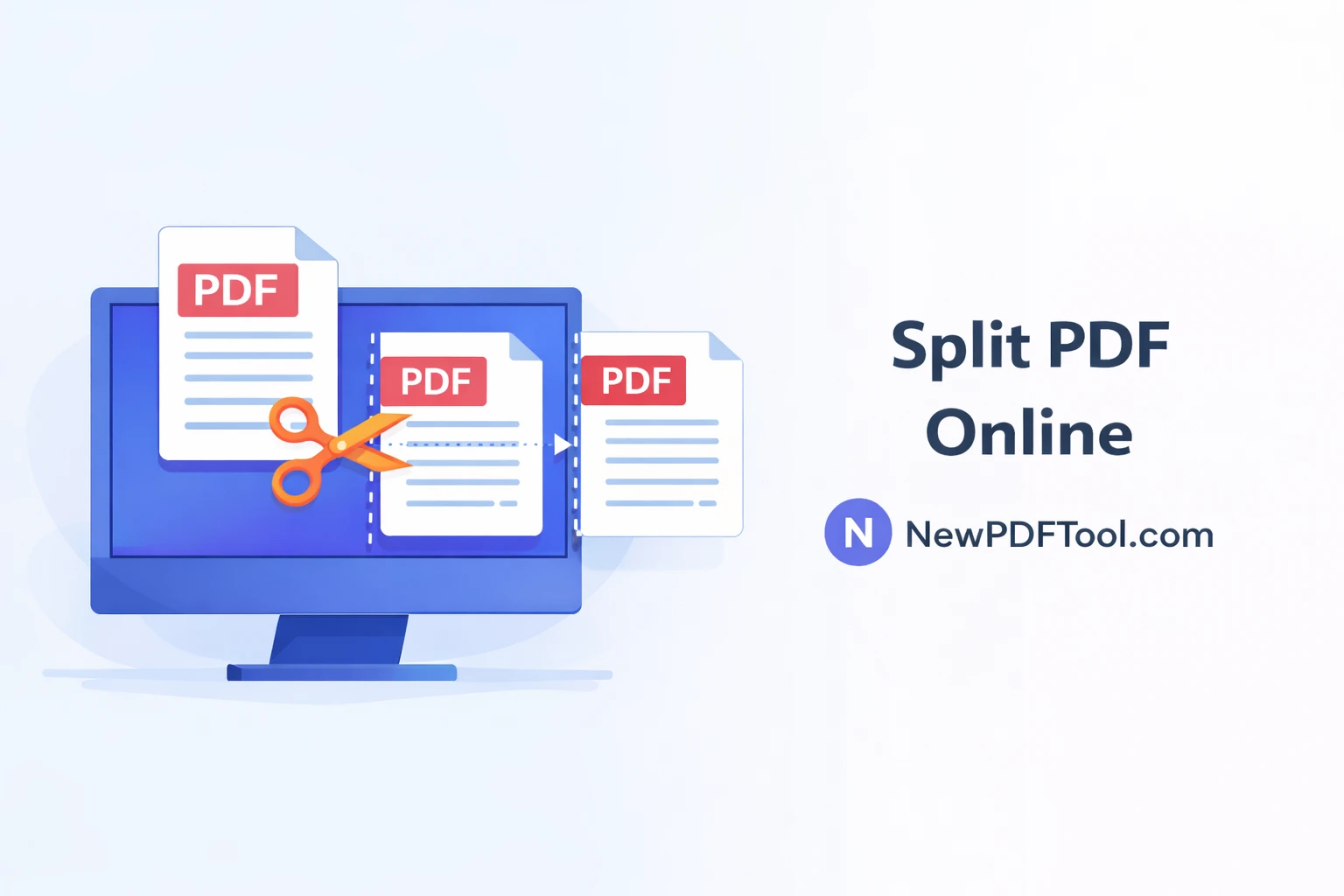
Sometimes you don’t need an entire PDF file. You may want to extract only a few pages from a large document. With New PDF Tool, you can easily split PDF online and separate pages in just a few clicks. Our free PDF splitter works directly in your browser without any registration.
Whether you are a student, office professional, teacher, or business owner, splitting PDF files helps you manage documents more efficiently and save time.
What Is Split PDF Tool?
Split PDF is an online tool that allows you to divide a PDF document into multiple smaller PDFs. You can extract specific pages or split the file into separate documents based on your needs.
The Split PDF tool by NewPDFTool.com is fast, secure, and easy to use. It supports all standard PDF files and works on any device.
Why Do You Need to Split PDF Files?
Large PDF files often contain unnecessary pages. Splitting PDFs helps you remove unwanted pages and share only what is required.
- Extract specific pages from a PDF
- Create smaller PDF files
- Reduce file size for sharing
- Organize documents better
- Upload only required pages
Key Features of New PDF Tool – Split PDF
- Free PDF splitter online
- No signup or login required
- Extract single or multiple pages
- Fast processing speed
- Secure browser-based splitting
- Works on Windows, Mac, Android, and iOS
How to Split PDF Online Using New PDF Tool
Splitting PDF files is simple and beginner-friendly. Follow these steps:
- Visit NewPDFTool.com
- Select the Split PDF tool
- Upload your PDF file
- Select pages you want to extract
- Click split and download new PDF files
You can split a PDF into individual pages or create multiple PDFs based on your selection.
Split PDF Without Losing Quality
Our PDF splitter preserves the original quality of the document. Text remains sharp, images stay clear, and formatting remains unchanged.
This makes it ideal for official documents, scanned files, and professional use.
Who Can Use Split PDF Tool?
- Students extracting assignment pages
- Teachers sharing selected chapters
- Office professionals splitting reports
- Freelancers submitting specific pages
- Business owners managing documents
Secure PDF Splitting – Your Privacy Matters
At New PDF Tool, user privacy is a top priority. All PDF splitting happens directly in your browser.
We do not store your uploaded files on our servers. Once the process is complete, your data stays private and secure.
Split PDF vs Edit PDF
Splitting a PDF removes unwanted pages, while editing changes the content. If you only need certain pages, splitting is the faster and safer option.
For editing text or images, you can use our PDF Editor Online.
Use Cases of Split PDF Online
- Extract invoices from bulk PDFs
- Separate chapters from ebooks
- Upload specific pages to government portals
- Create individual files from scanned documents
Why Choose New PDF Tool?
New PDF Tool is designed for simplicity, speed, and trust. No watermark, no signup, and no hidden limits.
Our platform offers all essential PDF tools in one place, making document management easy for everyone.
Related PDF Tools (Interlinking)
You may also find these tools helpful:
Split PDF Online Now
Start using the Split PDF Online tool today and separate PDF pages instantly. Fast, free, and secure – only on NewPDFTool.com.
More to read
View all
Feb 04, 2026
Convert PDF to Word Format – Free & Secure Online PDF to DOCX Converter
Convert PDF to Word format online for free using New PDF Tool. Quickly turn PDF documents into editable Word files without installing any software.
Read more
Jan 27, 2026
PDF to Excel Converter Online
Convert PDF tables into editable Excel spreadsheets with New PDF Tool. Use our free PDF to Excel converter online for fast, accurate, and secure results.
Read more
Jan 27, 2026
Image to PDF Converter Online
Convert images like JPG and PNG into PDF files using New PDF Tool. Our free Image to PDF converter works online, fast, and without signup.
Read more