Convert PDF to Word Format – Free & Secure Online PDF to DOCX Converter
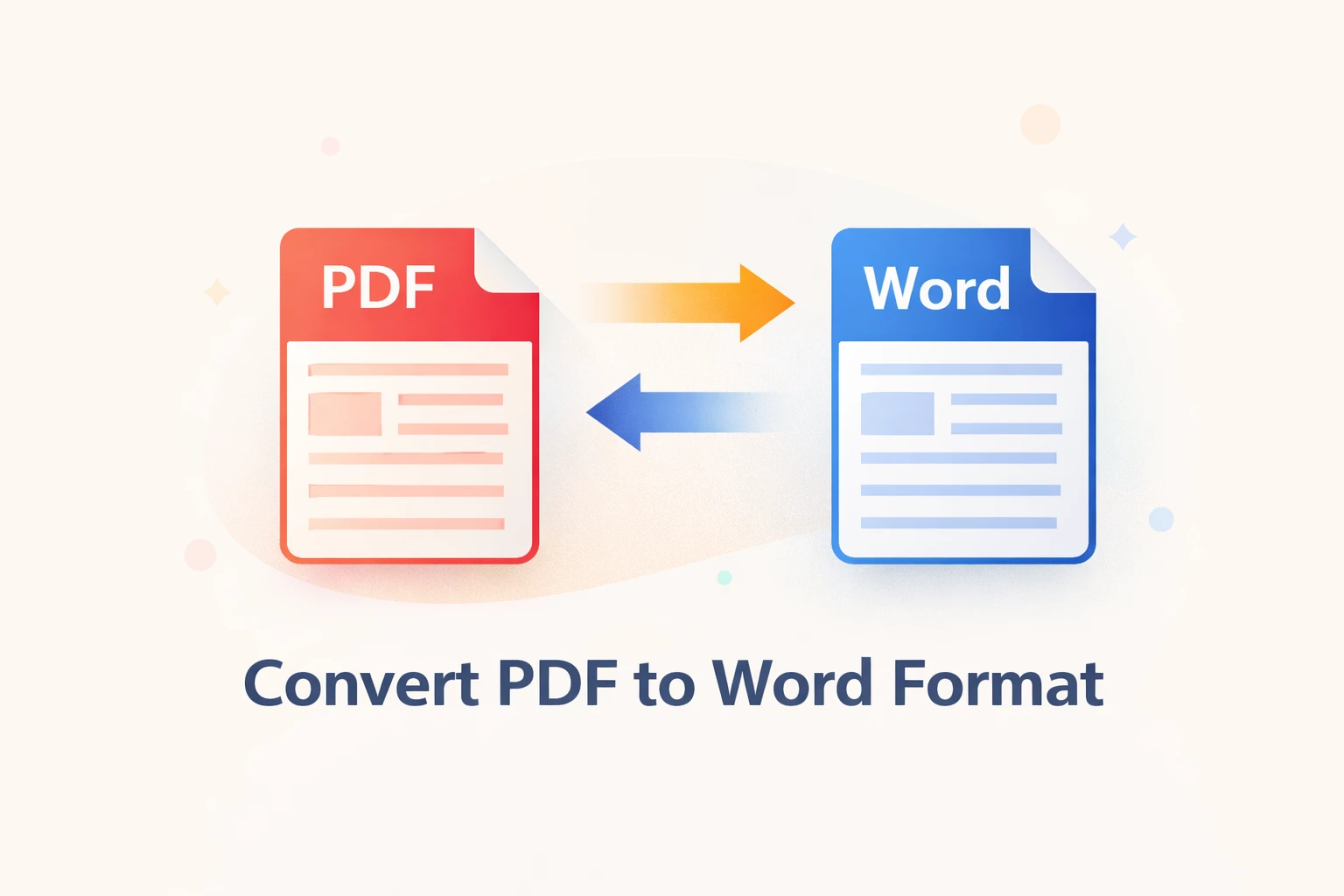
Convert PDF to Word Format Online – Free & Easy with New PDF Tool
PDF files are widely used for sharing documents because they look the same on every device. However, editing a PDF is not always easy. That is why many users prefer to convert PDF to Word format for easy editing and content reuse.
With New PDF Tool, you can convert PDF files into editable Word documents directly in your browser. No software installation, no registration, and no technical knowledge required.
What Is PDF to Word Conversion?
PDF to Word conversion is the process of transforming a PDF file into an editable Word document (DOCX). This allows users to modify text, update content, and reuse information without retyping everything.
New PDF Tool focuses on accurate text extraction while maintaining formatting such as paragraphs, spacing, and headings.
Why Convert PDF to Word Format?
Converting PDF files to Word offers many benefits:
- Edit text and paragraphs easily
- Update old or outdated documents
- Copy content for reports or assignments
- Reuse documents without retyping
- Save time and effort
Word documents are flexible and editable, making them ideal for daily work, academic use, and professional tasks.
Features of PDF to Word Converter by New PDF Tool
Our online PDF to Word converter is designed to be simple, fast, and secure. Below are some key features.
1. Convert PDF to Word Online
You can convert PDF files to Word format directly in your browser. No downloads or installations are required.
2. No Registration Required
New PDF Tool allows instant conversion without signing up or providing an email address.
3. Free PDF to Word Converter
The tool is completely free to use with no hidden charges or limitations.
4. Secure & Privacy-Friendly
Your files are processed securely. Most conversions happen directly in your browser, ensuring file privacy.
How to Convert PDF to Word Using New PDF Tool
Converting PDF to Word is quick and easy. Just follow these steps:
- Open the PDF to Word tool on New PDF Tool
- Upload or drag & drop your PDF file
- Select conversion options if available
- Click on the “Convert to Word” button
- Download the editable DOCX file
Who Can Use PDF to Word Converter?
A PDF to Word converter is useful for a wide range of users:
- Students editing assignments and notes
- Teachers preparing study materials
- Office professionals updating documents
- Freelancers working with client files
- Business users managing reports
PDF to Word Online vs Offline Software
Offline software often requires installation and payment. Online tools like New PDF Tool provide a faster and more convenient solution for everyday PDF to Word conversion needs.
Why Choose New PDF Tool?
New PDF Tool is built for simplicity and performance. It works on all modern browsers and devices.
- Fast and accurate conversion
- Clean and user-friendly interface
- No account or email required
- Free tools supported by ads
Frequently Asked Questions
Is it safe to convert PDF to Word online?
Yes, New PDF Tool processes files securely with privacy in mind.
Do I need to install software?
No, everything works directly in your browser.
Is the PDF to Word converter free?
Yes, it is completely free to use.
Final Thoughts
Converting PDF to Word format makes document editing simple and efficient. With New PDF Tool, you can quickly turn PDFs into editable Word files without any cost or hassle.
Try the free PDF to Word converter today and make document editing easier than ever.
More to read
View all
Jan 27, 2026
PDF to Excel Converter Online
Convert PDF tables into editable Excel spreadsheets with New PDF Tool. Use our free PDF to Excel converter online for fast, accurate, and secure results.
Read more
Jan 27, 2026
Image to PDF Converter Online
Convert images like JPG and PNG into PDF files using New PDF Tool. Our free Image to PDF converter works online, fast, and without signup.
Read more
Jan 26, 2026
PDF to PowerPoint Converter Online
Convert PDF documents into editable PowerPoint presentations using New PDF Tool. Our free PDF to PowerPoint converter works online, securely, and without registration.
Read more