PDF to PowerPoint Converter Online – Convert PDF to PPT Easily | New PDF Tool
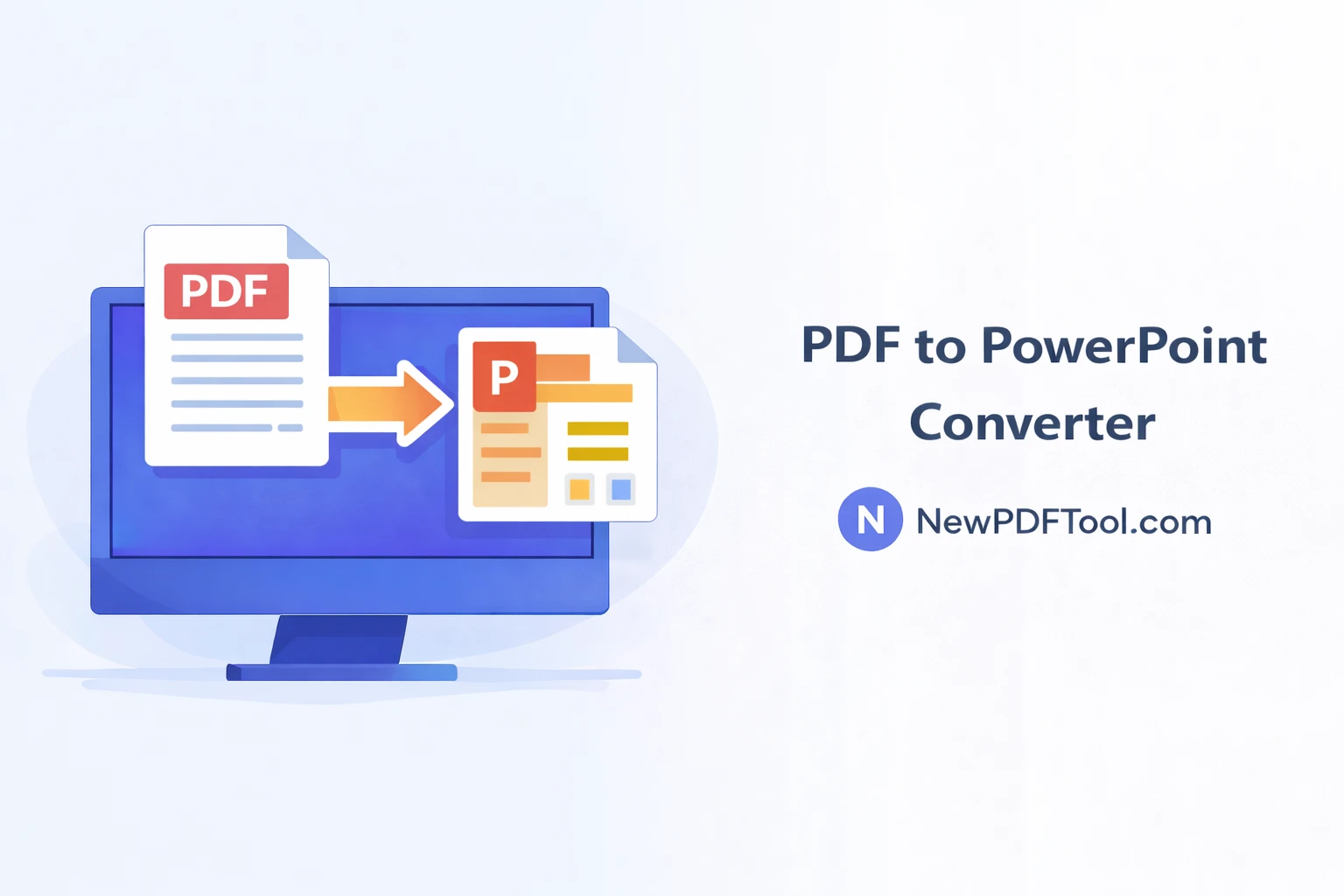
PDF to PowerPoint Converter Online – Convert PDF to PPT Easily
PDF files are widely used for sharing presentations, reports, and documents. However, editing a PDF presentation is not always easy. With New PDF Tool, you can quickly convert PDF to PowerPoint online and turn your static PDF slides into fully editable PPT files.
Our free PDF to PowerPoint converter works directly in your browser. No software installation, no signup, and no technical knowledge required.
Why Convert PDF to PowerPoint?
Many presentations are shared as PDF files to prevent editing. But when you need to update content, change designs, or reuse slides, editing a PDF becomes difficult.
Converting PDF to PowerPoint allows you to reuse content, edit text, update charts, and customize slides easily.
- Edit presentation content easily
- Reuse slides for new presentations
- Save time redesigning slides
- Maintain original layout
- Work with familiar PPT tools
What Is PDF to PowerPoint Converter?
PDF to PowerPoint Converter by NewPDFTool.com is an online tool that converts PDF pages into PowerPoint slides.
Text, images, and layouts are converted into editable PPT format, making it easy to update presentations.
Key Features of PDF to PPT – New PDF Tool
- Free PDF to PowerPoint converter
- No registration or login required
- Editable PPT output
- Fast conversion speed
- Secure browser-based processing
- Works on all devices
How to Convert PDF to PowerPoint Online
Converting PDF files to PowerPoint using New PDF Tool is simple and beginner-friendly:
- Open NewPDFTool.com
- Select the PDF to PowerPoint tool
- Upload your PDF file
- Wait for conversion to complete
- Download the PPT file
Your PowerPoint file will be ready for editing immediately.
Layout & Content Accuracy
Our PDF to PPT converter preserves slide layout, text alignment, and images as much as possible.
This ensures your converted PowerPoint looks professional and close to the original PDF.
Who Should Use PDF to PowerPoint Converter?
- Students preparing presentations
- Teachers updating lecture slides
- Office professionals editing reports
- Business owners pitching ideas
- Freelancers working on presentations
Is PDF to PPT Conversion Secure?
Yes. Your privacy is important to us. All PDF to PowerPoint conversions happen inside your browser.
Files are not stored on our servers after conversion, ensuring complete data security.
PDF to PowerPoint vs Creating Slides from Scratch
Creating slides from scratch takes time and effort.
Converting PDF to PPT saves time and allows you to reuse existing content efficiently.
Related PDF Tools (Interlinking)
Why Choose New PDF Tool?
New PDF Tool provides a complete set of free online PDF conversion tools.
No watermark, no signup, and no complicated steps — just fast and reliable results.
Convert PDF to PowerPoint Now
Start using the PDF to PowerPoint Converter Online today and turn your PDF files into editable PPT slides with NewPDFTool.com.
More to read
View all
Feb 04, 2026
Convert PDF to Word Format – Free & Secure Online PDF to DOCX Converter
Convert PDF to Word format online for free using New PDF Tool. Quickly turn PDF documents into editable Word files without installing any software.
Read more
Jan 27, 2026
PDF to Excel Converter Online
Convert PDF tables into editable Excel spreadsheets with New PDF Tool. Use our free PDF to Excel converter online for fast, accurate, and secure results.
Read more
Jan 27, 2026
Image to PDF Converter Online
Convert images like JPG and PNG into PDF files using New PDF Tool. Our free Image to PDF converter works online, fast, and without signup.
Read more