PDF to JPG Converter Online – Convert PDF Pages to Images Easily
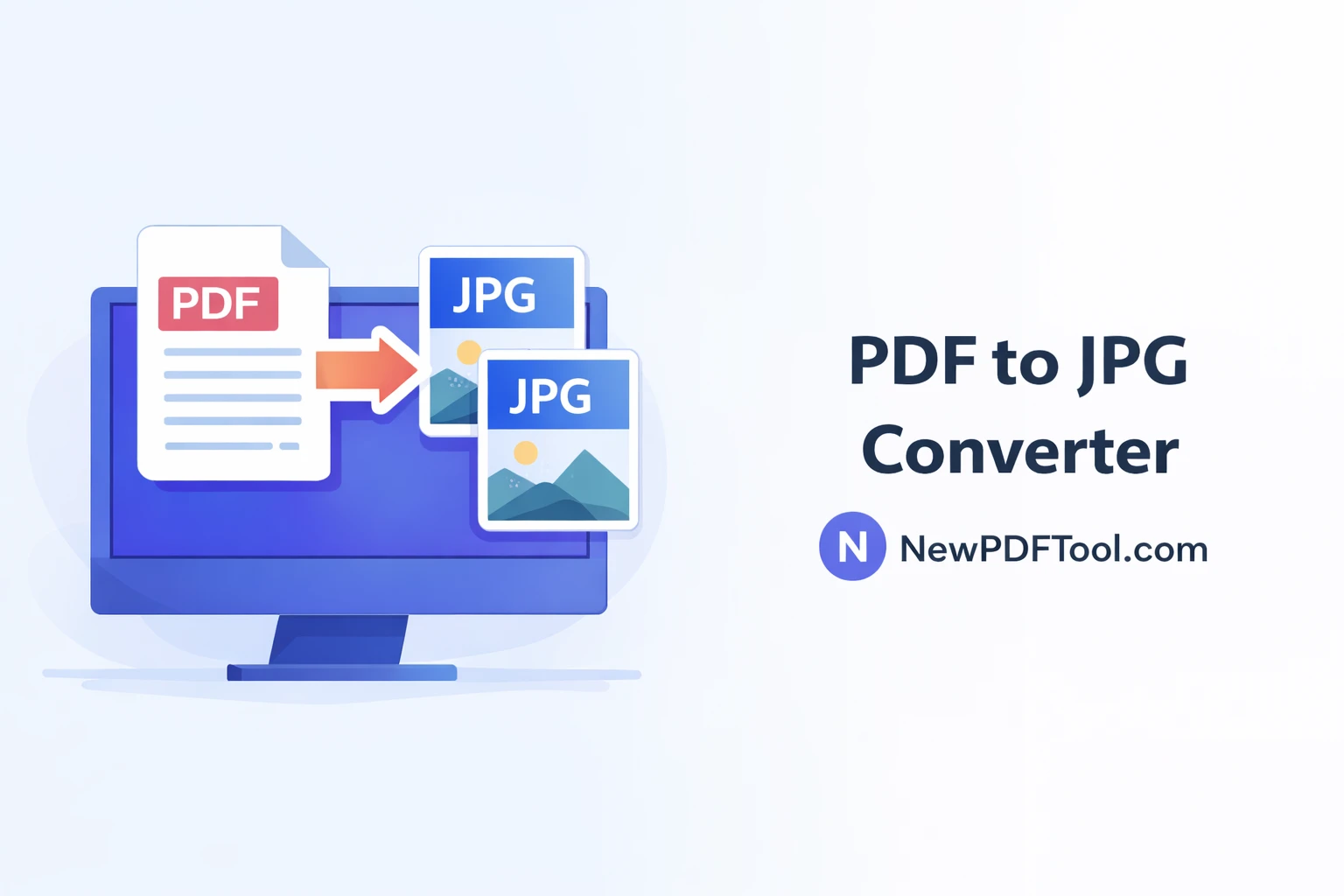
PDF to JPG Converter Online – Convert PDF Pages to Images Easily
Converting PDF files into images is useful when you need to share, upload, or preview documents easily. With New PDF Tool, you can convert PDF to JPG online in just a few seconds. Our tool is fast, free, and works directly in your browser.
Why Convert PDF to JPG?
PDF files are great for documents, but sometimes images are easier to use. JPG images load faster, are easier to share on social media, and work well with websites, presentations, and mobile devices.
By converting PDF pages to JPG images, you can upload them anywhere without worrying about compatibility issues.
What Is PDF to JPG Converter?
PDF to JPG Converter by NewPDFTool.com is a free online tool that converts each page of a PDF file into high-quality JPG images. It keeps the layout, text clarity, and colors intact.
No software installation is required. You can convert PDFs on Windows, Mac, Android, or iOS devices using any modern browser.
Key Features of PDF to JPG Tool
- Free PDF to JPG converter
- No account or signup required
- High-quality image output
- Fast conversion in seconds
- Secure browser-based processing
- Works on all devices
How to Convert PDF to JPG Online
- Visit NewPDFTool.com
- Select the PDF to JPG tool
- Upload your PDF file
- Wait a few seconds for conversion
- Download JPG images instantly
Each page of your PDF will be converted into a separate JPG image, ready to use anywhere.
Image Quality and Accuracy
Our PDF to JPG converter maintains high resolution and sharp text. Images are optimized to balance quality and file size.
This makes the tool perfect for presentations, online forms, thumbnails, and document previews.
Who Can Use PDF to JPG Converter?
- Students converting notes into images
- Teachers sharing PDF pages as pictures
- Designers extracting pages for previews
- Office professionals uploading documents online
- Business owners creating visual content
Safe and Secure PDF Conversion
Your privacy matters to us. All PDF to JPG conversions happen directly in your browser.
We do not store your uploaded files on our servers. Once the conversion is complete, your data remains fully private.
PDF to JPG vs PDF to PNG
JPG images are smaller in size and load faster, making them ideal for websites and emails. PNG images offer transparency but are larger.
If you want smaller file size with good quality, converting PDF to JPG is the best choice.
Why Choose New PDF Tool?
New PDF Tool focuses on simplicity, speed, and user privacy. Our tools are designed for everyday users who want quick results without complicated steps.
With no watermark, no signup, and professional-quality output, NewPDFTool.com is a trusted platform for PDF conversions.
Convert PDF to JPG Now
Try our PDF to JPG Converter Online today and convert your PDF pages into images instantly. Fast, free, and secure – only on NewPDFTool.com.
More to read
View all
Feb 04, 2026
Convert PDF to Word Format – Free & Secure Online PDF to DOCX Converter
Convert PDF to Word format online for free using New PDF Tool. Quickly turn PDF documents into editable Word files without installing any software.
Read more
Jan 27, 2026
PDF to Excel Converter Online
Convert PDF tables into editable Excel spreadsheets with New PDF Tool. Use our free PDF to Excel converter online for fast, accurate, and secure results.
Read more
Jan 27, 2026
Image to PDF Converter Online
Convert images like JPG and PNG into PDF files using New PDF Tool. Our free Image to PDF converter works online, fast, and without signup.
Read more