PDF to Excel Converter Online – Convert PDF Tables to Excel Easily
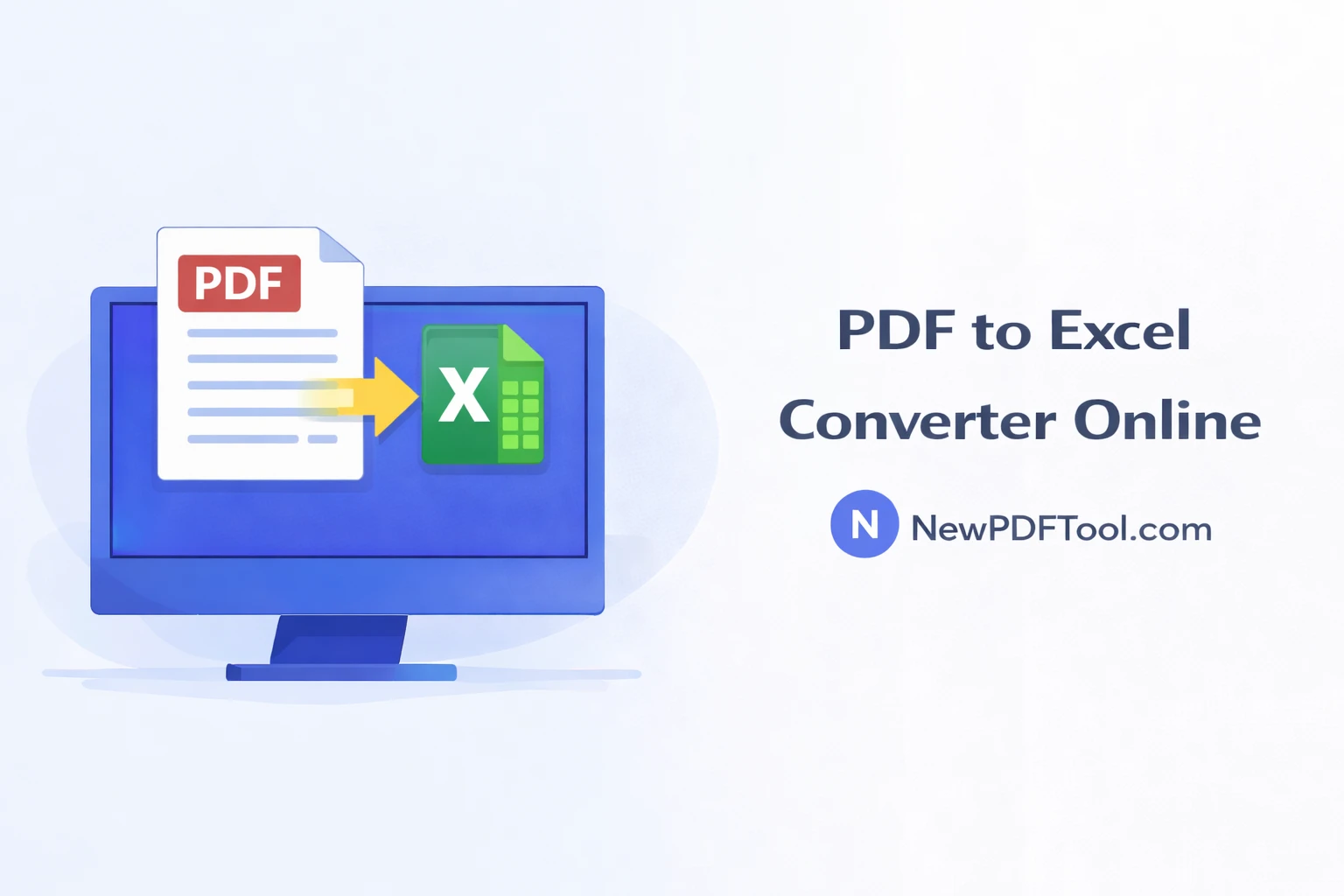
PDF to Excel Converter Online – Convert PDF Tables to Excel Easily
PDF documents are widely used for sharing reports, invoices, bank statements, and data tables. While PDFs are great for viewing, they are not easy to edit or analyze. That is why converting PDF files into Excel format becomes necessary.
With New PDF Tool, you can use a powerful PDF to Excel Converter Online to extract tables and data from PDF files and convert them into fully editable Excel spreadsheets. No software installation and no signup required.
What Is a PDF to Excel Converter?
A PDF to Excel converter is a tool that allows you to convert PDF documents containing tables or numerical data into Excel files. Once converted, you can easily edit, calculate, sort, and analyze the data in Microsoft Excel or similar spreadsheet applications.
The PDF to Excel Converter by NewPDFTool.com is designed to extract data accurately while preserving the original structure as much as possible.
Why Convert PDF to Excel?
Many businesses and professionals receive data in PDF format, but Excel is better suited for calculations and analysis. Converting PDF to Excel saves time and avoids manual data entry.
- Edit and update data easily
- Perform calculations and formulas
- Create charts and reports
- Save time on manual typing
- Improve data accuracy
Why Use New PDF Tool’s PDF to Excel Converter?
- 100% free PDF to Excel conversion
- No account or registration needed
- No watermark added to files
- Fast and accurate table extraction
- Secure browser-based processing
- Works on all devices
How to Convert PDF to Excel Online
Follow these simple steps to convert your PDF file into Excel:
- Open NewPDFTool.com in your browser
- Select the PDF to Excel Converter tool
- Upload your PDF file
- Wait a few seconds for conversion
- Download the Excel file instantly
The converted Excel file will be ready for editing and analysis.
What Type of PDFs Can Be Converted?
New PDF Tool supports a wide range of PDF documents, including:
- Invoices and bills
- Bank statements
- Financial reports
- Sales data tables
- Academic research data
Is PDF to Excel Conversion Accurate?
Our converter is optimized to extract tables and numerical data accurately. Column alignment and rows are preserved as much as possible.
For scanned PDFs or image-based files, accuracy may depend on document quality. In such cases, you can first convert PDF to Word or image formats if needed.
Who Can Use PDF to Excel Converter?
- Accountants and finance professionals
- Business analysts
- Students working on research data
- Office employees handling reports
- Freelancers managing client data
Is PDF to Excel Conversion Secure?
Yes. All file processing happens directly in your browser. Your uploaded PDF files are not stored on our servers.
This ensures data privacy and makes New PDF Tool safe for sensitive and confidential documents.
Convert PDF to Excel on Any Device
You can convert PDF to Excel on Windows, Mac, Linux, Android, and iOS devices. The tool works smoothly on desktop, tablet, and mobile browsers.
Related PDF Tools (Internal Linking)
Why Choose New PDF Tool?
New PDF Tool provides a complete collection of free and easy-to-use PDF tools for everyday document needs.
No signup, no hidden fees, and no complicated steps — just fast, reliable, and secure PDF solutions.
Convert PDF to Excel Now
Start using the PDF to Excel Converter Online by New PDF Tool today and turn your PDF data into editable Excel spreadsheets within seconds.
More to read
View all
Feb 04, 2026
Convert PDF to Word Format – Free & Secure Online PDF to DOCX Converter
Convert PDF to Word format online for free using New PDF Tool. Quickly turn PDF documents into editable Word files without installing any software.
Read more
Jan 27, 2026
PDF to Excel Converter Online
Convert PDF tables into editable Excel spreadsheets with New PDF Tool. Use our free PDF to Excel converter online for fast, accurate, and secure results.
Read more
Jan 27, 2026
Image to PDF Converter Online
Convert images like JPG and PNG into PDF files using New PDF Tool. Our free Image to PDF converter works online, fast, and without signup.
Read more