PDF Compressor Online – Reduce PDF File Size Without Losing Quality
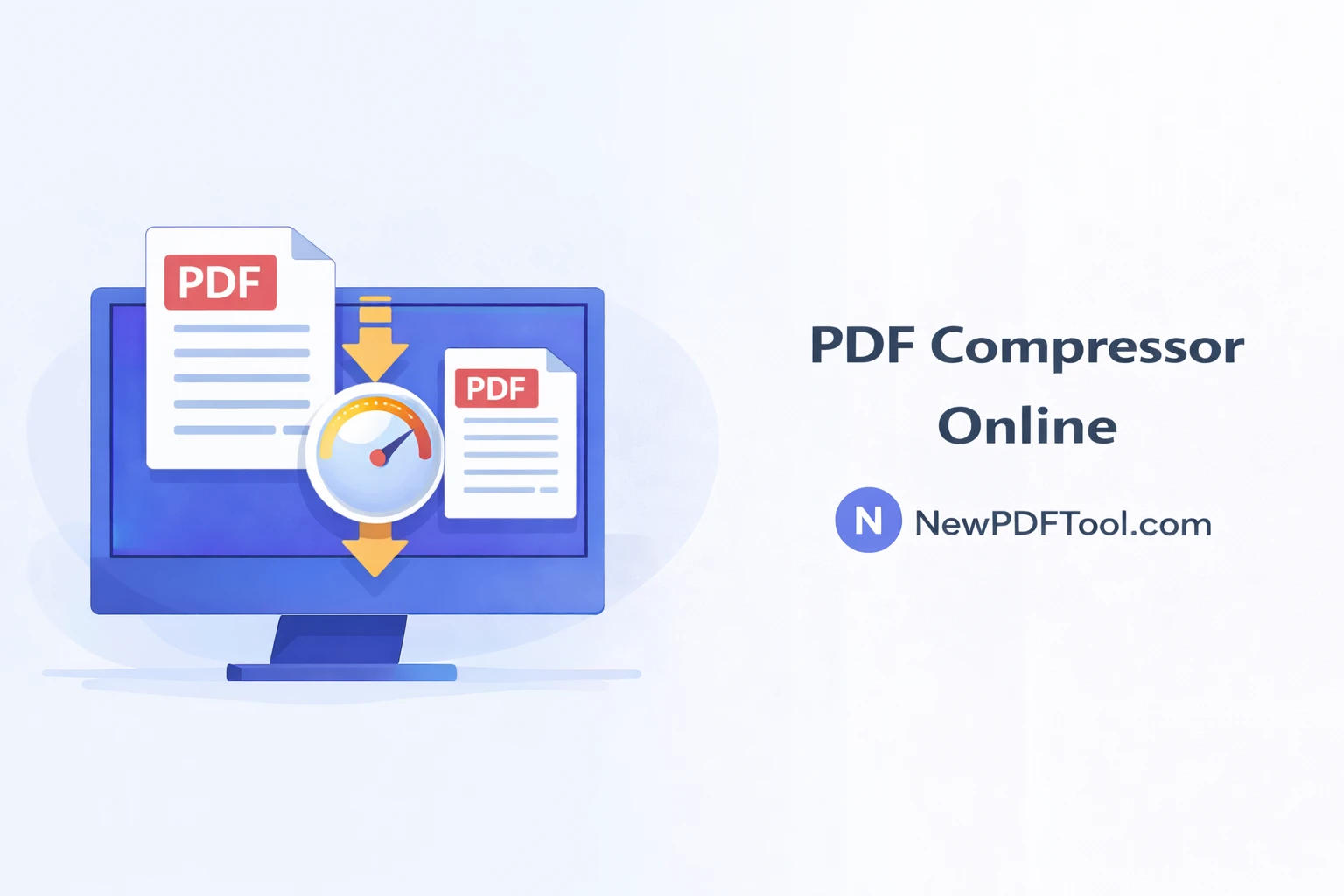
PDF Compressor Online – Reduce PDF File Size Without Losing Quality
PDF files are one of the most popular formats for sharing documents online. They are used for resumes, invoices, study material, office reports, and legal documents. However, large PDF file sizes often create problems while uploading, emailing, or submitting forms online.
With New PDF Tool, you can easily compress PDF files online and reduce file size without losing quality. Our free PDF compressor works directly in your browser and requires no registration or software installation.
Why PDF File Size Becomes Large
PDF files become large mainly due to high-resolution images, scanned pages, embedded fonts, graphics, and unnecessary metadata. Many scanners and design tools create PDF files that are much larger than required.
Large PDF files are difficult to upload, slow to share, and sometimes rejected by websites with file size limits. Compressing a PDF solves all these problems instantly.
What Is a PDF Compressor?
A PDF compressor is a tool that reduces the size of a PDF file by optimizing images, removing redundant data, and compressing internal elements while keeping text readable and layout intact.
The PDF Compressor Online by NewPDFTool.com uses smart compression technology to balance file size and document quality.
Why Use New PDF Tool’s PDF Compressor?
- 100% free PDF compression
- No account or signup required
- No watermark added to files
- Fast compression in seconds
- Secure browser-based processing
- Works on all devices and browsers
How to Compress PDF Online Using New PDF Tool
Compressing a PDF file with New PDF Tool is very simple. Anyone can do it without technical knowledge.
- Open NewPDFTool.com in your browser
- Select the PDF Compressor tool
- Upload your PDF file
- Wait a few seconds for compression
- Download the compressed PDF instantly
There are no limits on how many PDFs you can compress.
Does PDF Compression Reduce Quality?
This is the most common concern among users. New PDF Tool uses intelligent compression methods that optimize images without destroying clarity.
Text remains sharp, images stay clear, and document layout remains professional even after compression.
When Should You Compress a PDF?
- Before emailing PDF files
- When uploading documents online
- For job applications and resumes
- To save cloud storage space
- For faster website uploads
Who Can Use a PDF Compressor?
Our PDF compressor is designed for everyone:
- Students submitting assignments
- Teachers sharing study materials
- Office professionals sending reports
- Freelancers sharing project files
- Business owners managing invoices
Is PDF Compression Secure?
Yes. All file processing happens directly in your browser. Your PDF files are not stored on our servers.
This ensures complete privacy and makes New PDF Tool safe for sensitive and confidential documents.
Compress PDF on Any Device
You can compress PDF files on Windows, Mac, Linux, Android, and iOS devices. The tool works smoothly on desktop, tablet, and mobile browsers.
Related PDF Tools (Internal Linking)
Why Choose New PDF Tool?
New PDF Tool provides a complete set of free online PDF tools designed for simplicity and speed.
No hidden charges, no daily limits, and no complicated steps — just fast, secure, and reliable PDF solutions.
Start Compressing Your PDF Now
If you are struggling with large PDF files, try the PDF Compressor Online by New PDF Tool today. Reduce file size, save time, and share documents easily.
More to read
View all
Feb 04, 2026
Convert PDF to Word Format – Free & Secure Online PDF to DOCX Converter
Convert PDF to Word format online for free using New PDF Tool. Quickly turn PDF documents into editable Word files without installing any software.
Read more
Jan 27, 2026
PDF to Excel Converter Online
Convert PDF tables into editable Excel spreadsheets with New PDF Tool. Use our free PDF to Excel converter online for fast, accurate, and secure results.
Read more
Jan 27, 2026
Image to PDF Converter Online
Convert images like JPG and PNG into PDF files using New PDF Tool. Our free Image to PDF converter works online, fast, and without signup.
Read more