Excel to PDF Converter Online – Convert Excel Files to Secure PDF | New PDF Tool
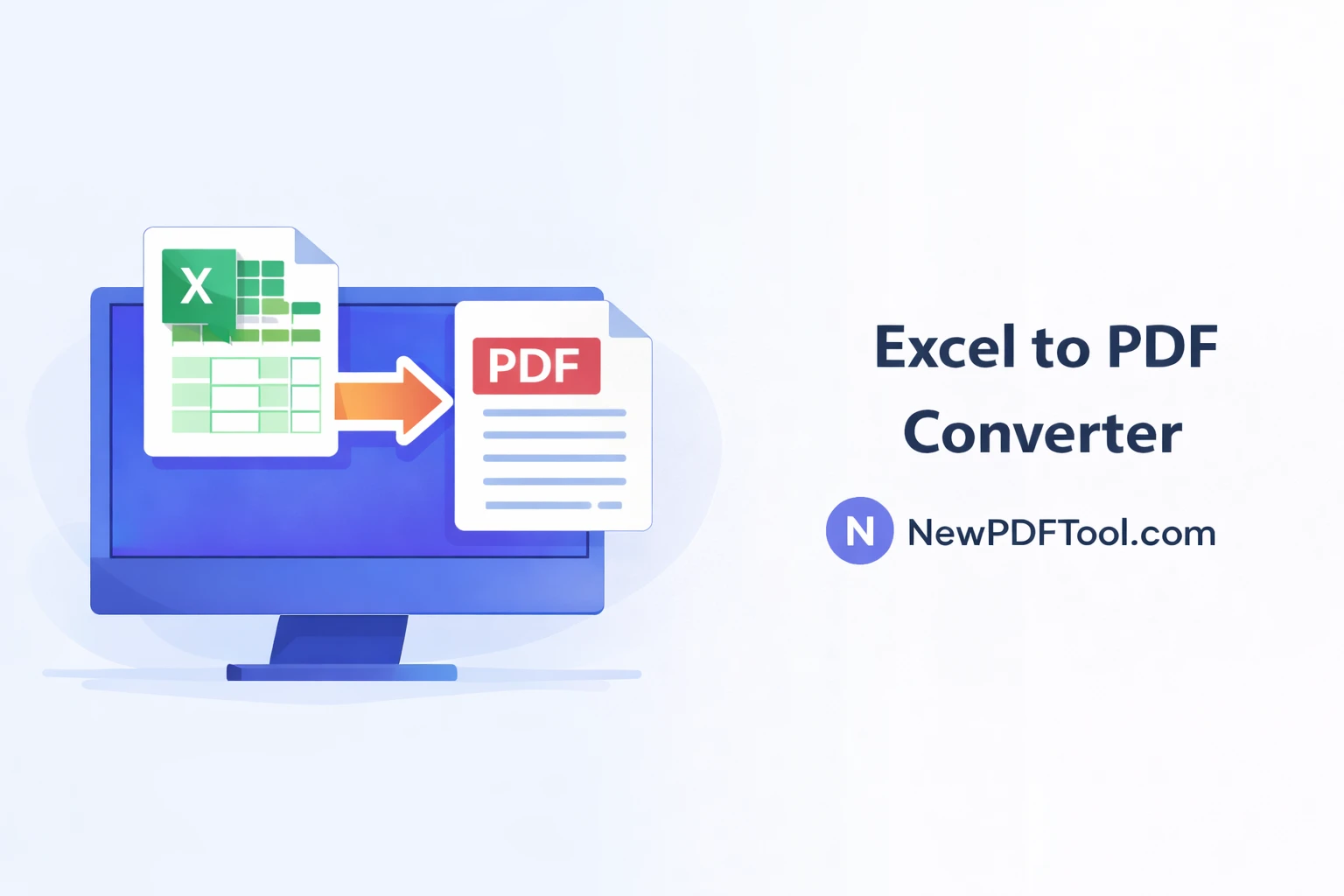
Excel to PDF Converter Online – Convert Excel Files to Secure PDF
Excel files are widely used for calculations, reports, invoices, and data analysis. However, sharing Excel files can sometimes lead to formatting issues or accidental edits. With New PDF Tool, you can easily convert Excel to PDF online and share your documents in a secure and professional format.
Our Excel to PDF converter allows you to turn XLS or XLSX files into high-quality PDF documents directly in your browser, without installing any software.
Why Convert Excel to PDF?
Excel files are editable by default. While this is useful for working, it can be risky when sharing important documents like invoices, financial reports, or official records.
By converting Excel to PDF, you ensure that your document layout remains unchanged and looks the same on every device.
- Prevent unwanted edits
- Preserve formatting and layout
- Make files easy to share
- Improve document security
- Ensure professional presentation
What Is Excel to PDF Converter?
Excel to PDF Converter by NewPDFTool.com is a free online tool that converts spreadsheets into PDF files while keeping tables, charts, and formatting intact.
It supports both XLS and XLSX formats and works on Windows, Mac, Linux, Android, and iOS devices.
Key Features of Excel to PDF Tool
- Free Excel to PDF conversion
- No registration required
- Supports XLS and XLSX files
- Fast and accurate processing
- Secure browser-based conversion
- Works on all devices
How to Convert Excel to PDF Online
Converting Excel files to PDF using New PDF Tool is quick and simple:
- Go to NewPDFTool.com
- Select the Excel to PDF tool
- Upload your Excel file
- Wait a few seconds for processing
- Download the PDF file
Your PDF will be ready instantly with proper formatting.
Formatting & Layout Accuracy
Our converter keeps rows, columns, tables, and alignment intact as much as possible.
Charts, headings, and numerical data remain clear and readable in the PDF output.
Who Should Use Excel to PDF Converter?
- Accountants sharing financial reports
- Students submitting assignments
- Office professionals preparing documents
- Business owners sending invoices
- Freelancers delivering final reports
Secure Excel to PDF Conversion
Security and privacy are top priorities at New PDF Tool.
All Excel to PDF conversions happen directly inside your browser. Files are not stored on our servers after processing.
Excel to PDF vs Sharing Excel Files
Sharing Excel files can result in broken formulas or accidental changes.
PDF files provide a read-only, professional format that works everywhere.
Related PDF Tools (Interlinking)
Why Choose New PDF Tool?
New PDF Tool offers a complete collection of free online PDF tools designed for simplicity.
No watermarks, no signup, and no complicated steps. Just upload, convert, and download.
Convert Excel to PDF Now
Use the Excel to PDF Converter Online today and create secure PDF documents instantly with NewPDFTool.com.
More to read
View all
Feb 04, 2026
Convert PDF to Word Format – Free & Secure Online PDF to DOCX Converter
Convert PDF to Word format online for free using New PDF Tool. Quickly turn PDF documents into editable Word files without installing any software.
Read more
Jan 27, 2026
PDF to Excel Converter Online
Convert PDF tables into editable Excel spreadsheets with New PDF Tool. Use our free PDF to Excel converter online for fast, accurate, and secure results.
Read more
Jan 27, 2026
Image to PDF Converter Online
Convert images like JPG and PNG into PDF files using New PDF Tool. Our free Image to PDF converter works online, fast, and without signup.
Read more